I’m running into a challenge when trying to bulk deploy the Xcitium Communication Client to PCs in our organization. I used the Bulk Installation Package option to generate an .exe file for installation, then my coworker wrote a script that uses our organization’s remote management software to silently run the .exe file on a PC and install the application. The issue is that when I run the script, after the installation completes I get the following popup before the device is enrolled (which messes up silent deployment because it requires someone to manually click on it):
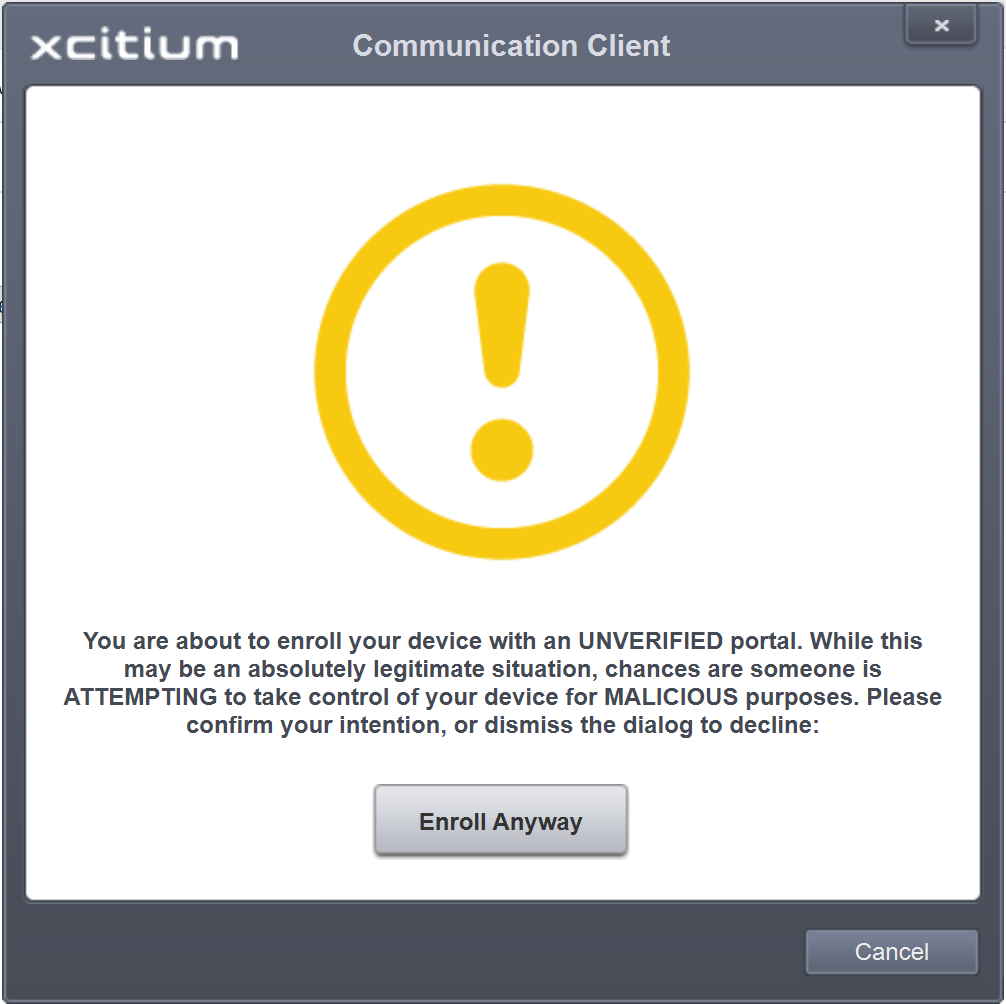
I’ve spent significant time searching and trying things, but this popup happens no matter where the .exe file is located, whether or not a script is used for the installation, and whether or not the Bulk Installation Package is created as an .exe or an .msi file.
Is there a method to not have this popup show up in order to have bulk installation run smoothly? I apologize if this question is very basic or I’ve missed something obvious; I’m the most inexperienced person working here but was given this task by my supervisor, so I’m trying my best to get things working without having to manually install the software on hundreds of PCs.